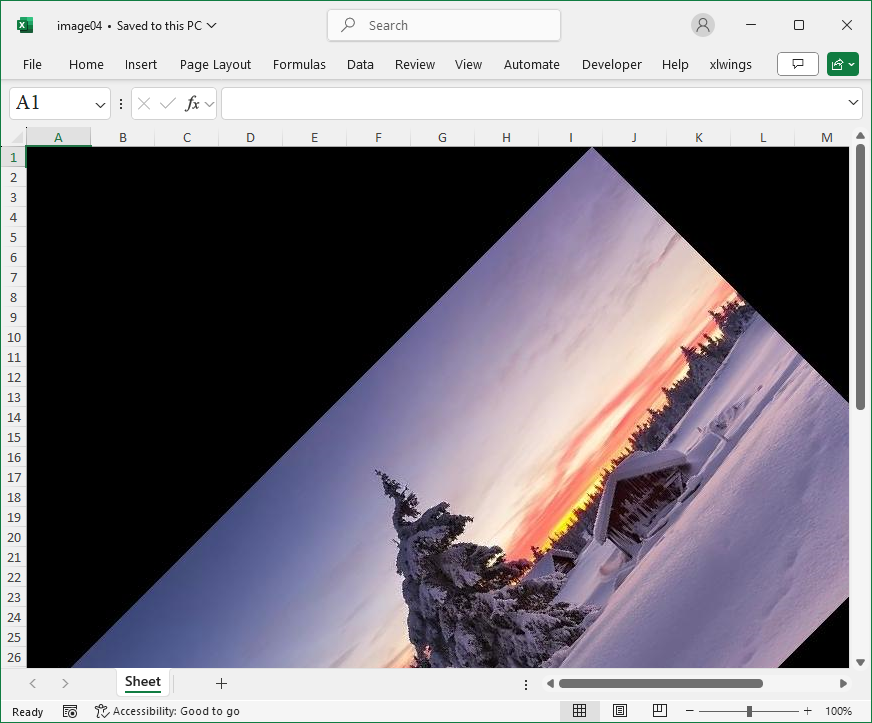
Method
rotated_image=img.rotate(45, expand=True)
Sample Code
#Rotation Transformation

from openpyxl import Workbook
from openpyxl.drawing.image import Image as xlImage
from PIL import Image as pilImage

#Create a workbook
wb=Workbook()
#Get the active worksheet
ws=wb.active

# Open the original image file
img=pilImage.open('pic.jpg')

#Apply a rotation transformation to the image
rotated_image=img.rotate(45, expand=True)

# Save the transformed image as a temporary file
path='image2.jpg'
rotated_image.save(path)

# Add the image to the worksheet
img=xlImage(path)
ws.add_image(img, 'A1')

# Save the workbook
wb.save('image04.xlsx')

# Delete the temporary file
import os
os.remove(path)