Method
from openpyxl.drawing.image import Image
img_file=’pic.jpg’
img=Image(img_file)
ws.add_image(img,’A1′)
Sample Code
#Add Images to the Worksheet

#Import relevant classes
from openpyxl.drawing.image import Image
from openpyxl import Workbook

#Create a workbook
wb=Workbook()
#Get the active worksheet
ws=wb.active

#Open an image file
img_file='pic.jpg'
#Create an Image object from the image
img=Image(img_file)
#Add the Image object to cell A1
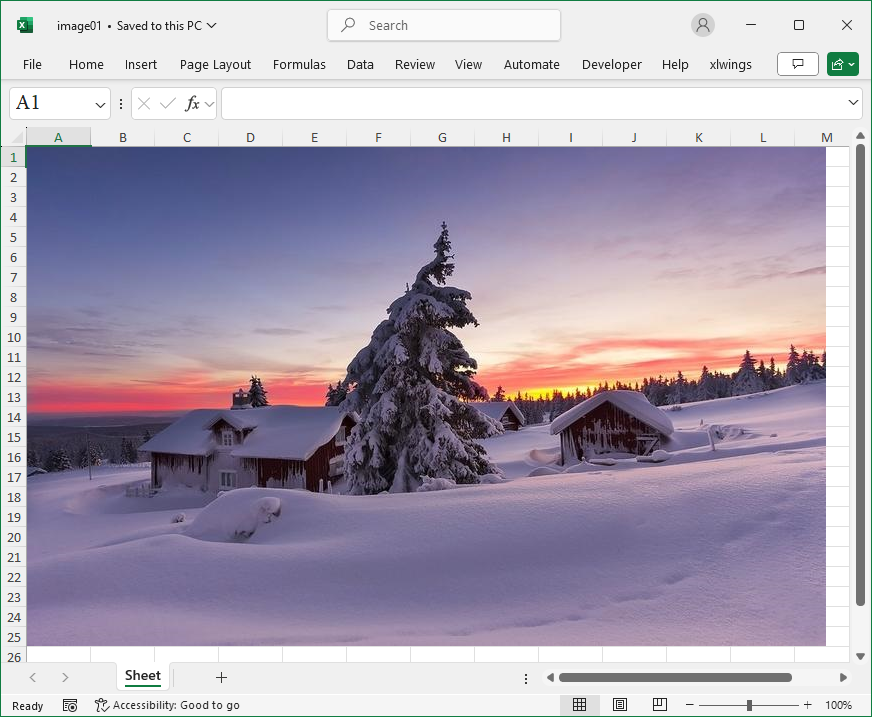
ws.add_image(img,'A1')

wb.save('image01.xlsx')
wb.close()