Method
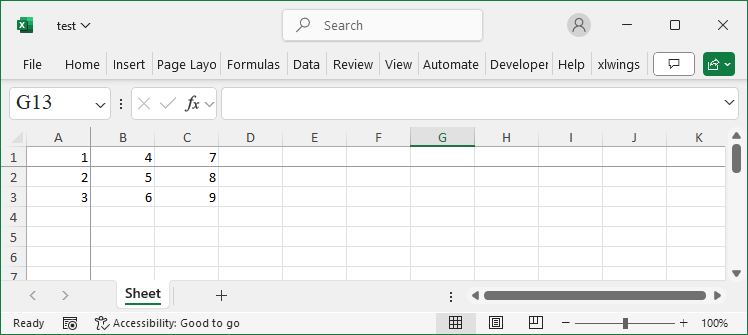
ws.freeze_panes = ‘B2’
Sample Code
#Freeze the Cells

#Import load_workbook function
from openpyxl import Workbook

#Create a new workbook
wb=Workbook()
#Get the active worksheet
ws=wb.active

#Freeze a cell
ws.freeze_panes = 'B2'

wb.save('test.xlsx')
wb.close()