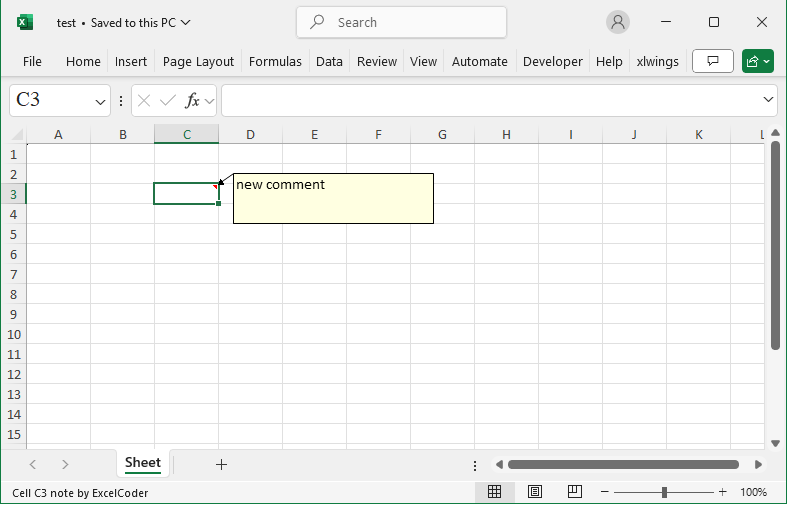
Method
The `comments` object and `comment` object
from openpyxl.comments import Comment
cm=Comment(‘new comment’,’ExcelCoder’)
cm.width=200
cm.height=50
ws[‘C3’].comment=cm
Sample Code
#Adding Comments

#Import load_workbook function
from openpyxl import Workbook

#Create a new workbook
wb=Workbook()
#Get the active worksheet
ws=wb.active

#Import Comment function
from openpyxl.comments import Comment

#Create a Comment object
cm=Comment('new comment','ExcelCoder')
#Set properties for the comment object
cm.width=200
cm.height=50
ws['C3'].comment=cm

wb.save('test.xlsx')
wb.close()