Method
Use the `row_dimensions` and `column_dimensions` properties to set or get row heights and column widths by their index.
For example:
ws.row_dimensions[2].height = 20
ws.column_dimensions[“C”].width = 15
Sample Code
#Adjusting Row Height and Column Width

#Import load_workbook function
from openpyxl import Workbook

#Create a new workbook
wb=Workbook()
#Get the active worksheet
ws=wb.active

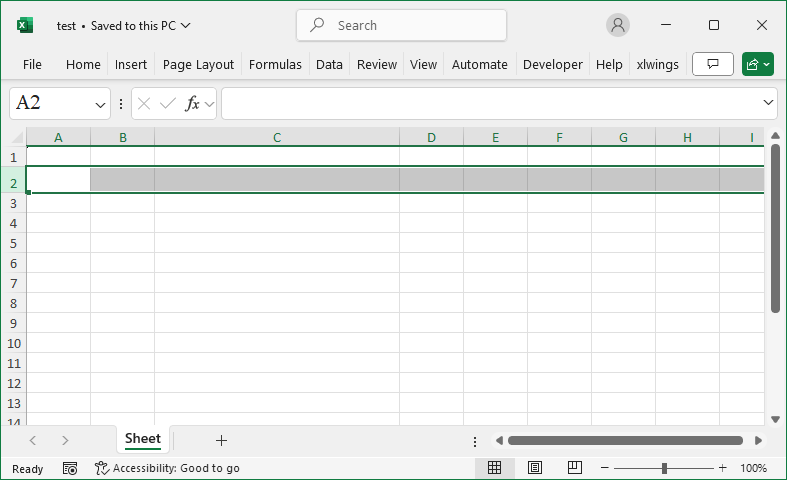
#Set the height of row 2 to 20
ws.row_dimensions[2].height=20
#Set the width of column C to 35
ws.column_dimensions['C'].width=35

wb.save('test.xlsx')
wb.close()